Products · HAAT POS

POS on the floor. Operations in the cloud.

Built for convenience and liquor stores. Pick a device role, sign in with a 4-digit PIN, and keep age-restricted sales gated until ID is cleared.

Floor devices

Four roles. One store.

Built around how convenience and liquor stores actually staff the day — not a single “POS app” that tries to do everything on one screen.

Cashier

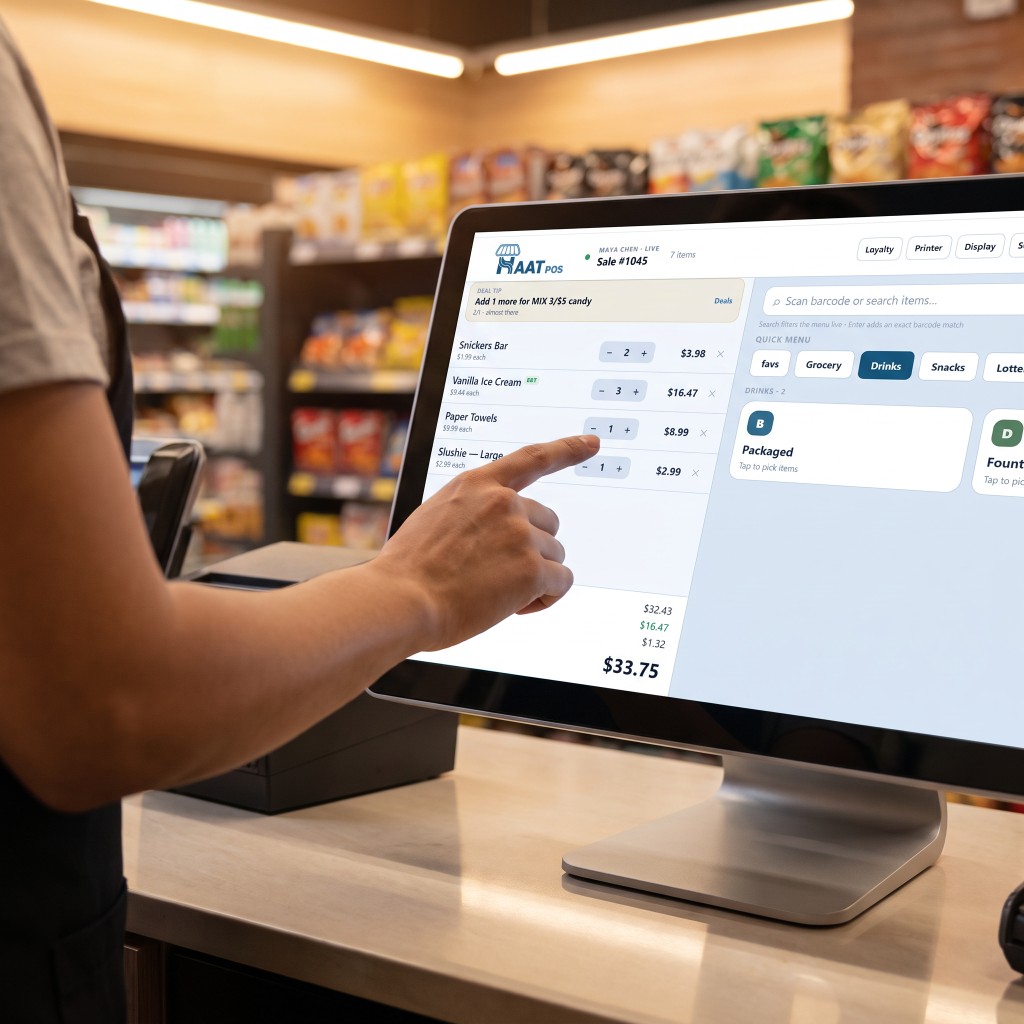
Scan or search the catalog, sell units or packs, hold and void, open the till, and stay useful offline. Alcohol and tobacco trigger an ID required · 21+check before the line hits the ticket.

  • Barcode scan & live menu search
  • Age check before alcohol / tobacco hits the ticket
  • Split tenders · cash-only lines · lottery payouts
  • Same barcode → single / pack / case sell units
  • Link loyalty by phone — points earn when the sale completes
Tenders & lottery → · Case vs unit →

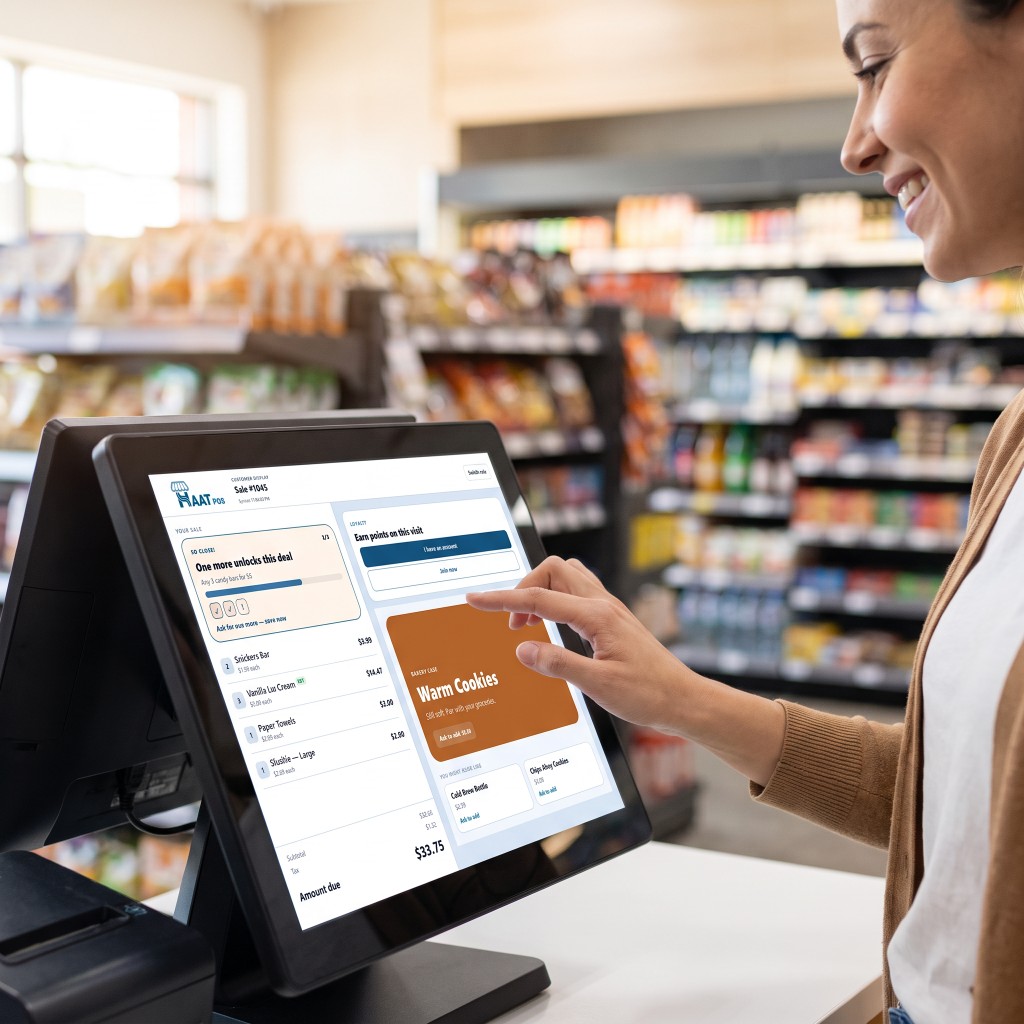
Cashier using HAAT POS on a touchscreen at the counter

Customer display

A facing-customer screen that mirrors the open ticket — lines, amount due, deal progress, and loyalty prompts without crowding the cashier.

  • Live cart synced to the register
  • Quest-style deal progress & “Deal unlocked”
  • Loyalty prompts without crowding the cashier

Deal quests walkthrough →

Customer tapping the HAAT POS customer display

Inventory

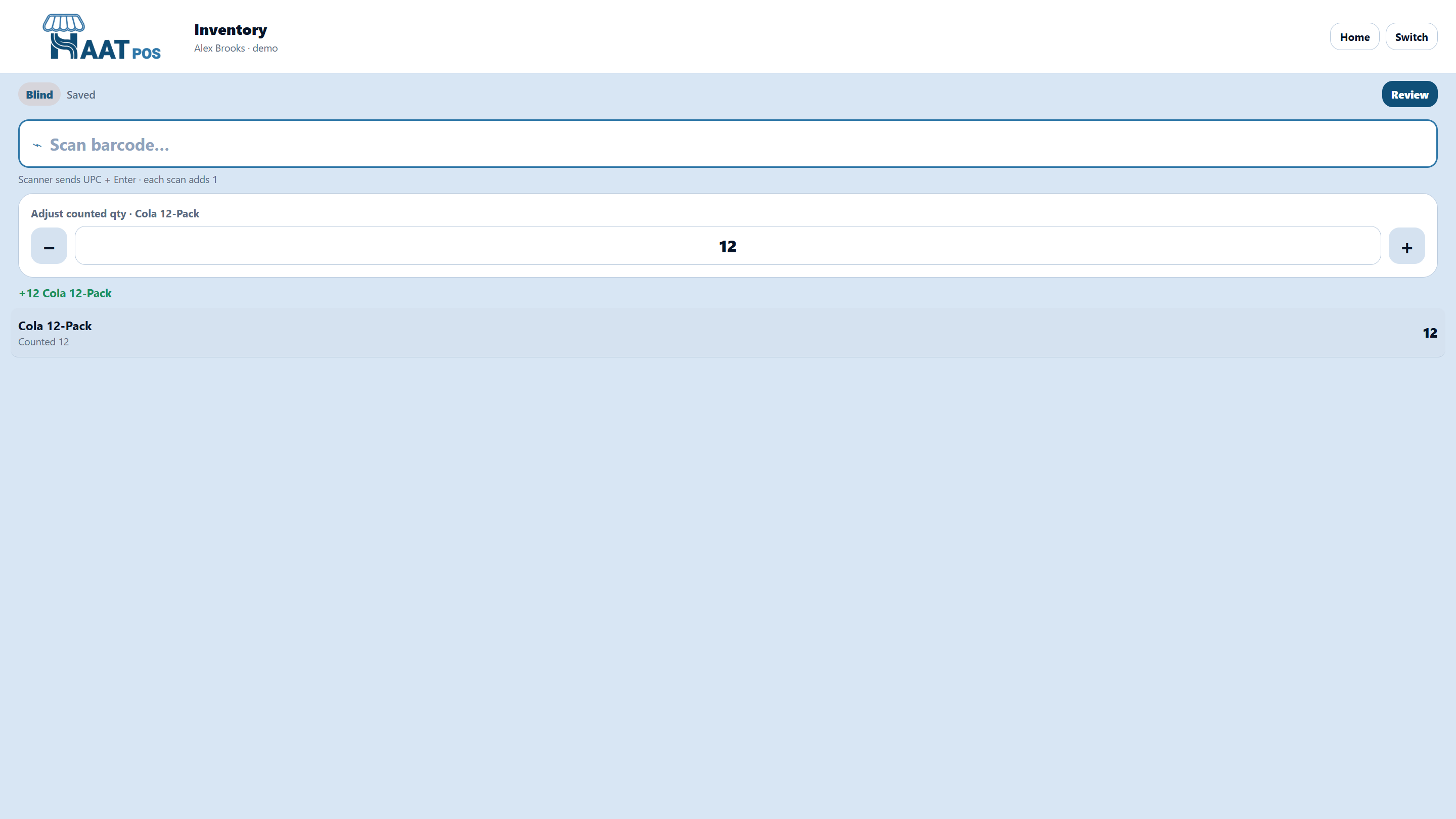
Start a blind or guided count, look up on-hand, or Receive invoice— photo → OCR match to an open PO → confirm before stock posts.

  • Blind count — hide system qty
  • Guided count — show on-hand
  • Invoice photo receive against open POs

Count session walkthrough →

Blind inventory count session

Ordering

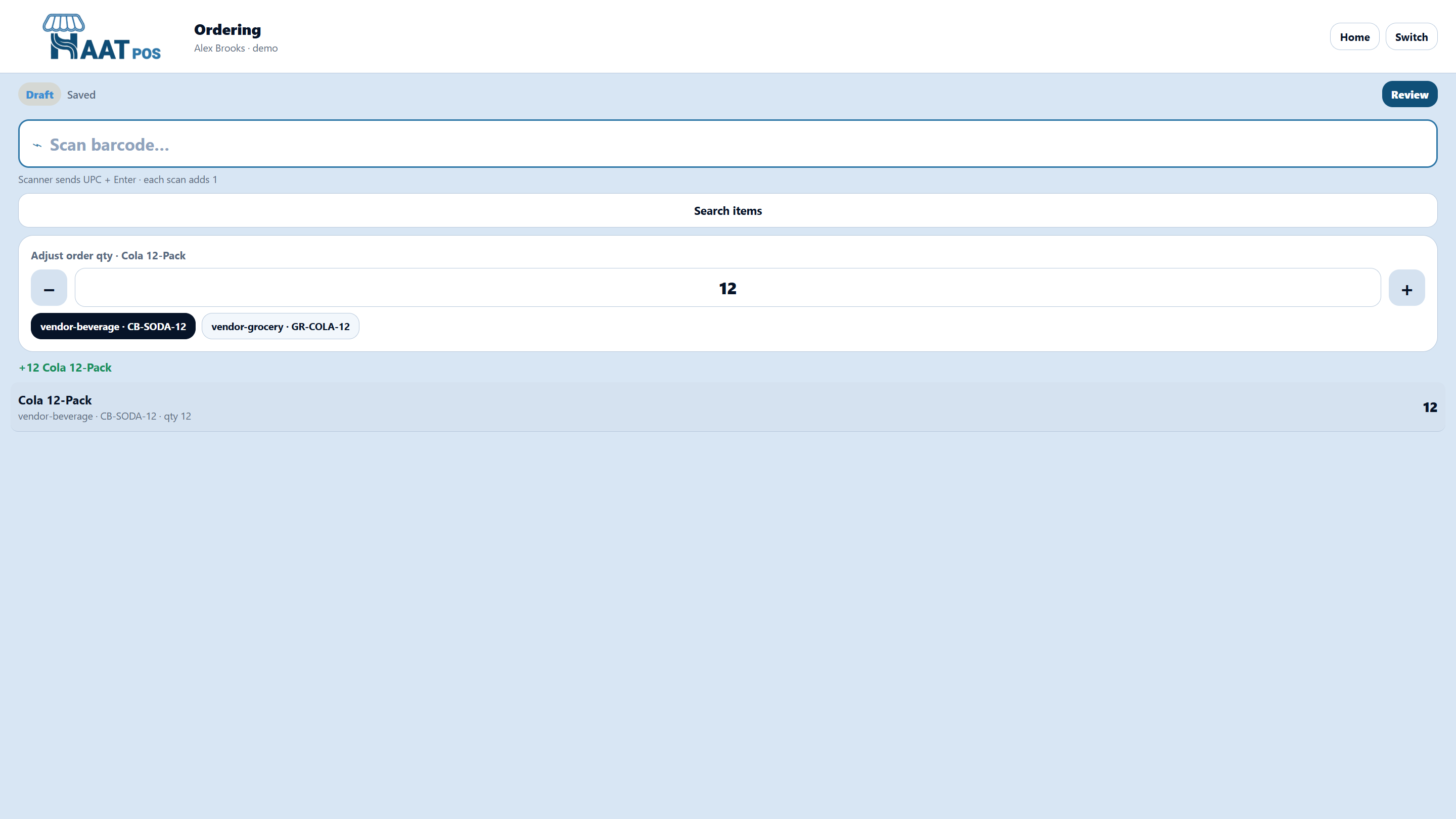
Scan items into vendor order sessions. Preferred vendor is selected by default; multi-vendor items get a chooser. Managers turn drafts into POs in the portal.

  • Preferred vendor highlighted on add
  • Switch vendors before submit
  • Approve → draft POs by vendor

Handheld ordering walkthrough →

Ordering with vendor chips on the active line

Admin portal

The same store, on a desktop.

Sign in with the same register PIN. Run reports, edit the catalog, reconcile counts, manage order sessions and purchase orders, set promotions, look up loyalty members, and configure the store.

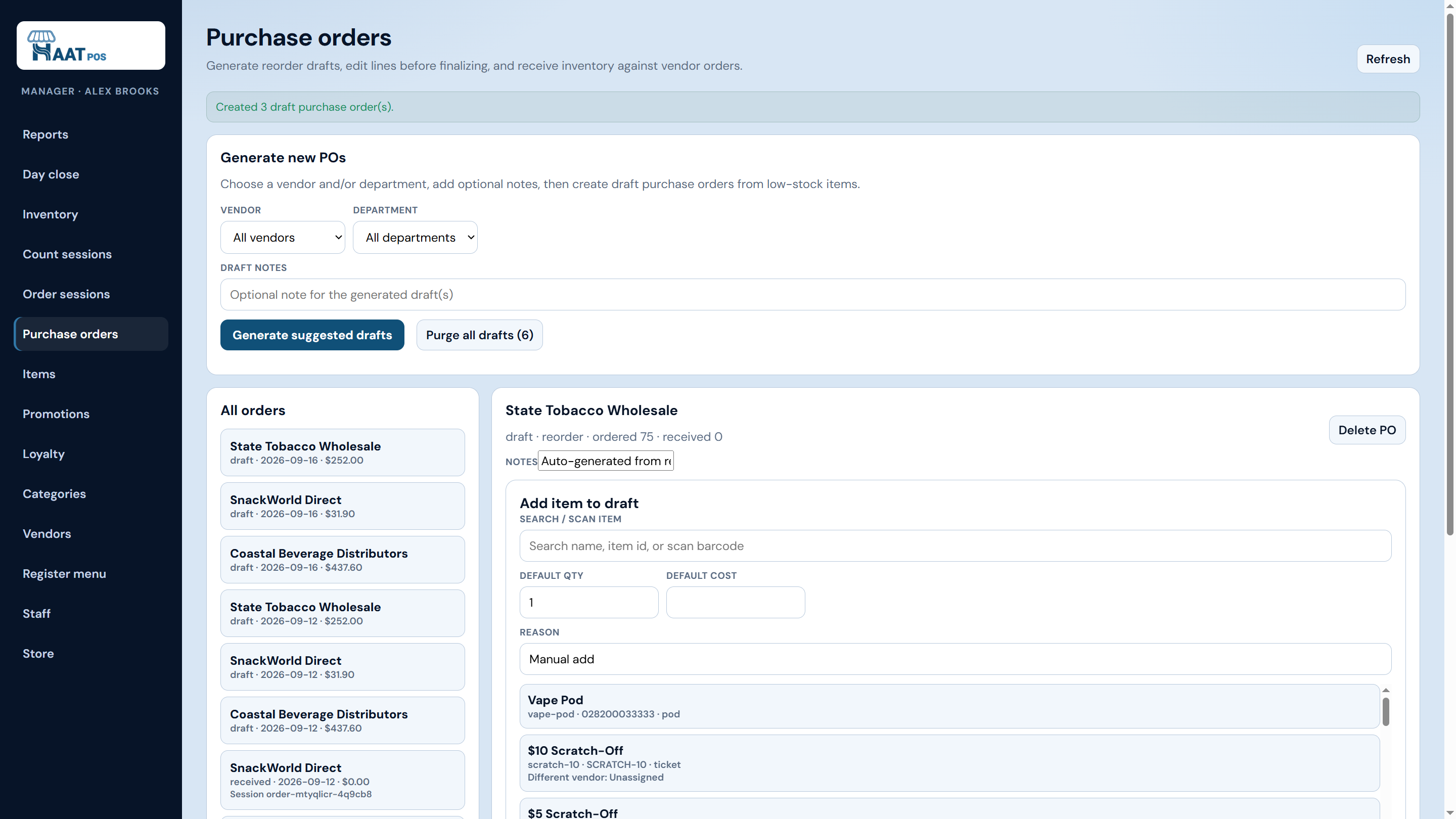
Admin portal purchase orders
Purchase orders
Suggested drafts → finalize → receive
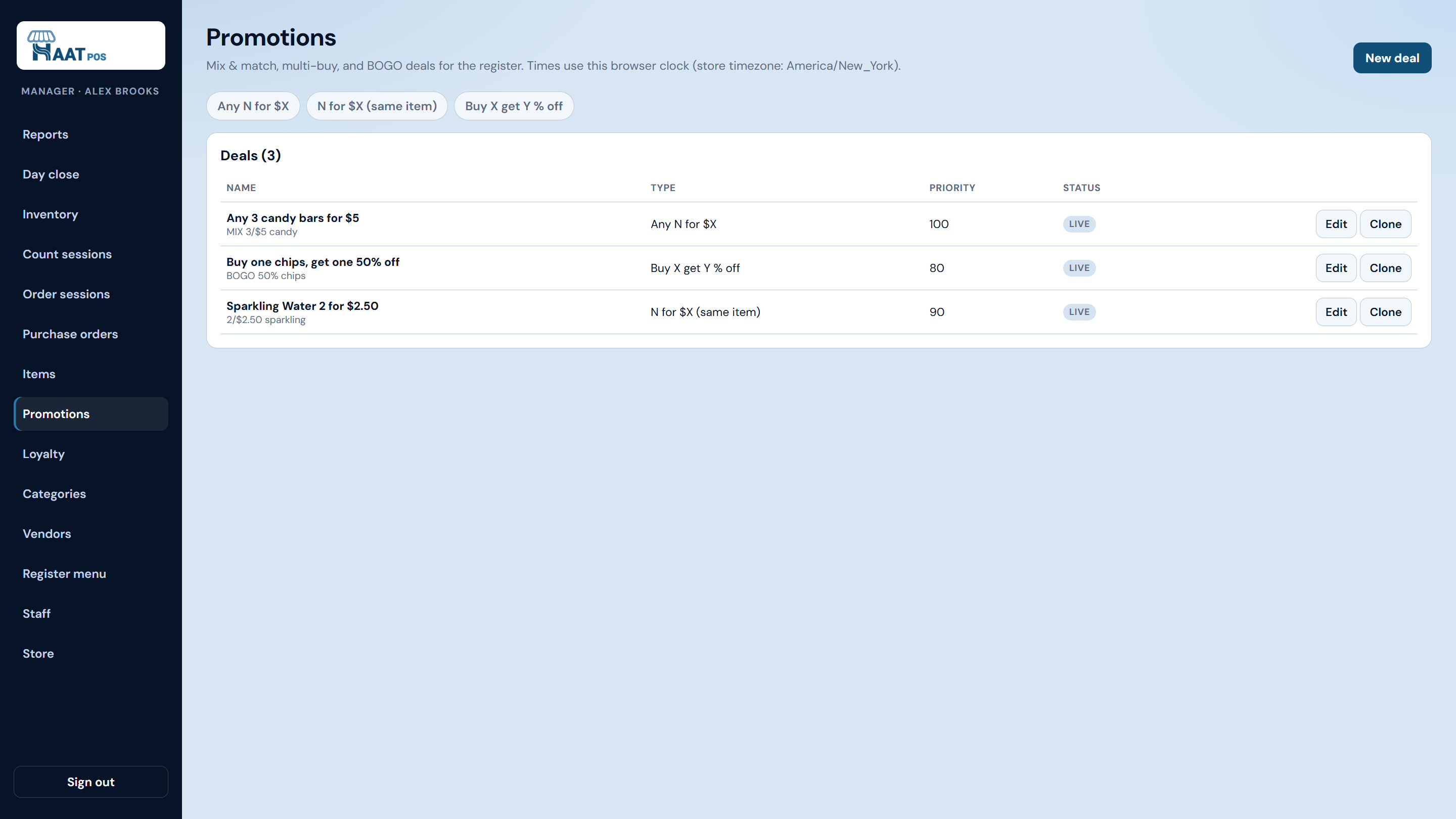
Admin promotions deals list
Promotions
Mix-match · multi-buy · BOGO

Reports & day close

Sales by day, item, department, cashier, tender — plus end-of-day tools.

Catalog & vendors

Items, packs, categories, multi-vendor sourcing for the register.

Counts & POs

Count sessions, order sessions, reorder drafts, receive against open POs.

Promos, loyalty, staff

Promotions, phone loyalty (earn-only in v1), PINs, store & DVR defaults.

Step-by-step workflows → · HAAT Payroll →

See it live

Walk the floor roles and the portal on a call.

We’ll show cashier with age check, deal quests, tenders, inventory receive, and admin POs — using your questions, not a slide deck.